Shipments
Customer, pickup, destination, cargo in pallets and kilograms, priority (Standard, High, Urgent) and an optional delivery deadline. Lateness is recorded on arrival.
Plan and run
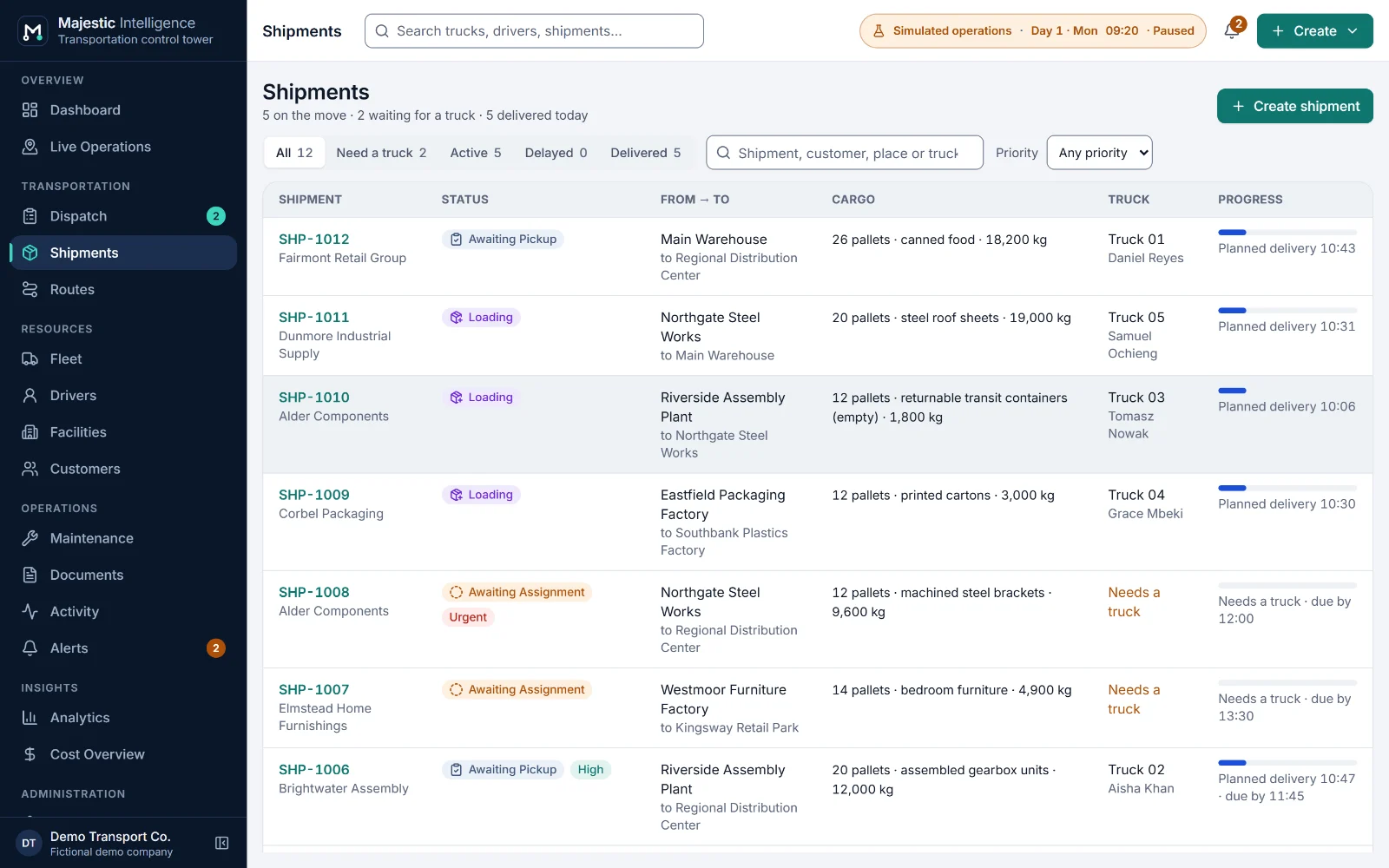
A shipment is the customer's goods on their way from a pickup to a destination. Majestic Intelligence follows each one through its timeline (assigned, heading to pickup, loading, in transit, unloading, delivered), and keeps its bill of lading and proof of delivery alongside.
The problem
A delivery is not finished until the paperwork is. A proof of delivery that never comes back holds up the invoice, and a customer asking "where are my goods?" should not need three phone calls to answer.
The value
Each shipment shows where the goods are and whether they will make the deadline. Documents follow the job automatically, the missing ones come first on the Documents screen, and they appear in "Needs attention" as Action needed.
What it does
Each of these is on a screen of the working demo. Open it to try it on the simulated operation.
Customer, pickup, destination, cargo in pallets and kilograms, priority (Standard, High, Urgent) and an optional delivery deadline. Lateness is recorded on arrival.
Every milestone with its simulated time, from assignment to the end of unloading, beside the truck, the driver and the route driven.
Expected when a truck is assigned; signed at pickup by the pickup's contact and the driver when the truck leaves with the goods.
Expected until unloading finishes; then Received, or Awaiting signed copy if it did not come back with the driver, and Missing four hours later.
Attach a PDF, PNG, JPEG or WebP scan to a document. In the demo it stays in your browser and is never uploaded.
Each customer with a contact and the facilities where its goods are usually collected and delivered, offered first when booking.
Benefits
More features
A dashboard of what needs a decision, and every truck and facility on a satellite map or a 3D view of the operation.
A dispatch board by stage, suggested trucks with the reasons in words, and planned dispatch by rules you can read.
Trucks, drivers and shifts, and maintenance work orders that dispatch respects.
See it working
Open the working product: trucks loading, on the road and unloading across California’s Inland Empire. No sign-up; nothing connects to real systems.
Built by METHODSS
METHODSS adapts Majestic Intelligence to your fleet, sites and rules and connects it to your data, or designs and builds new logistics software with you.